Digital


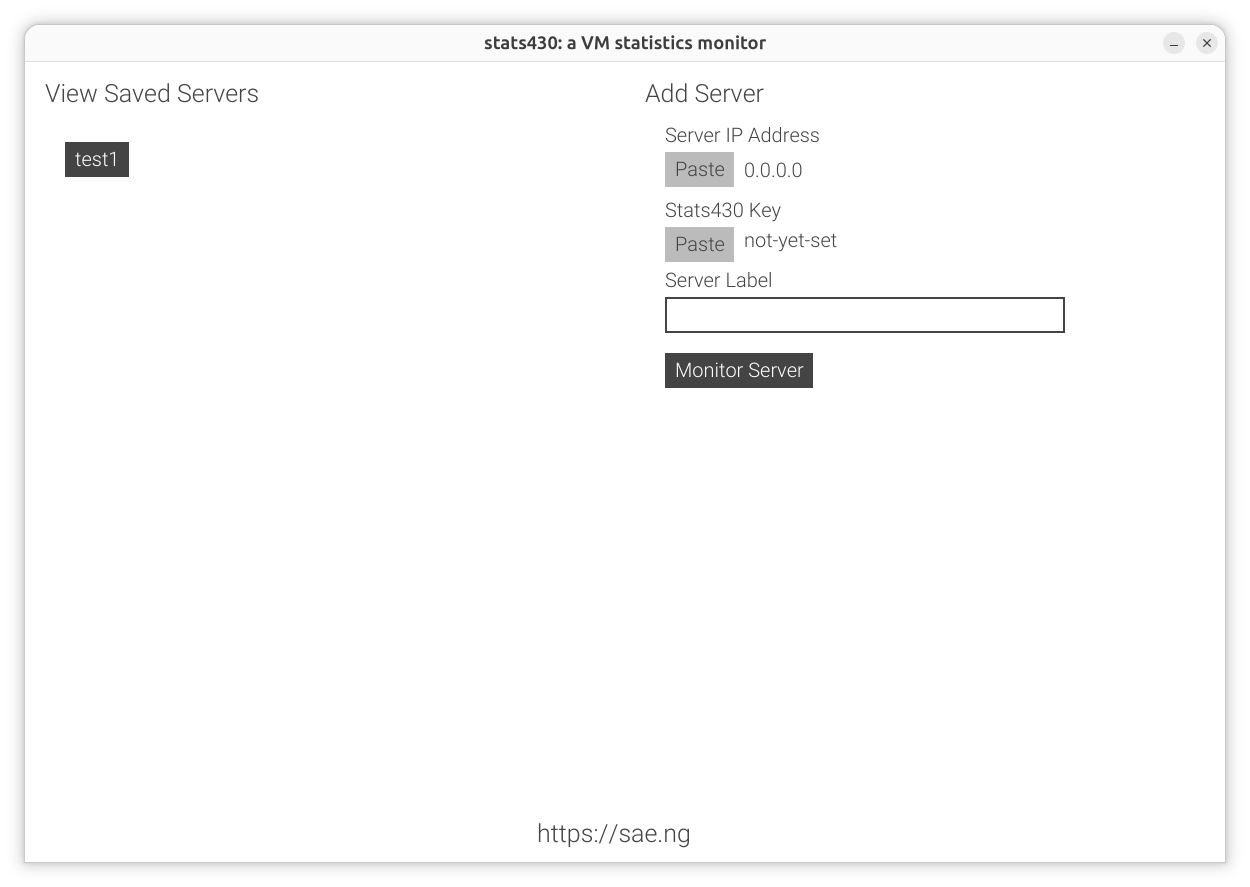
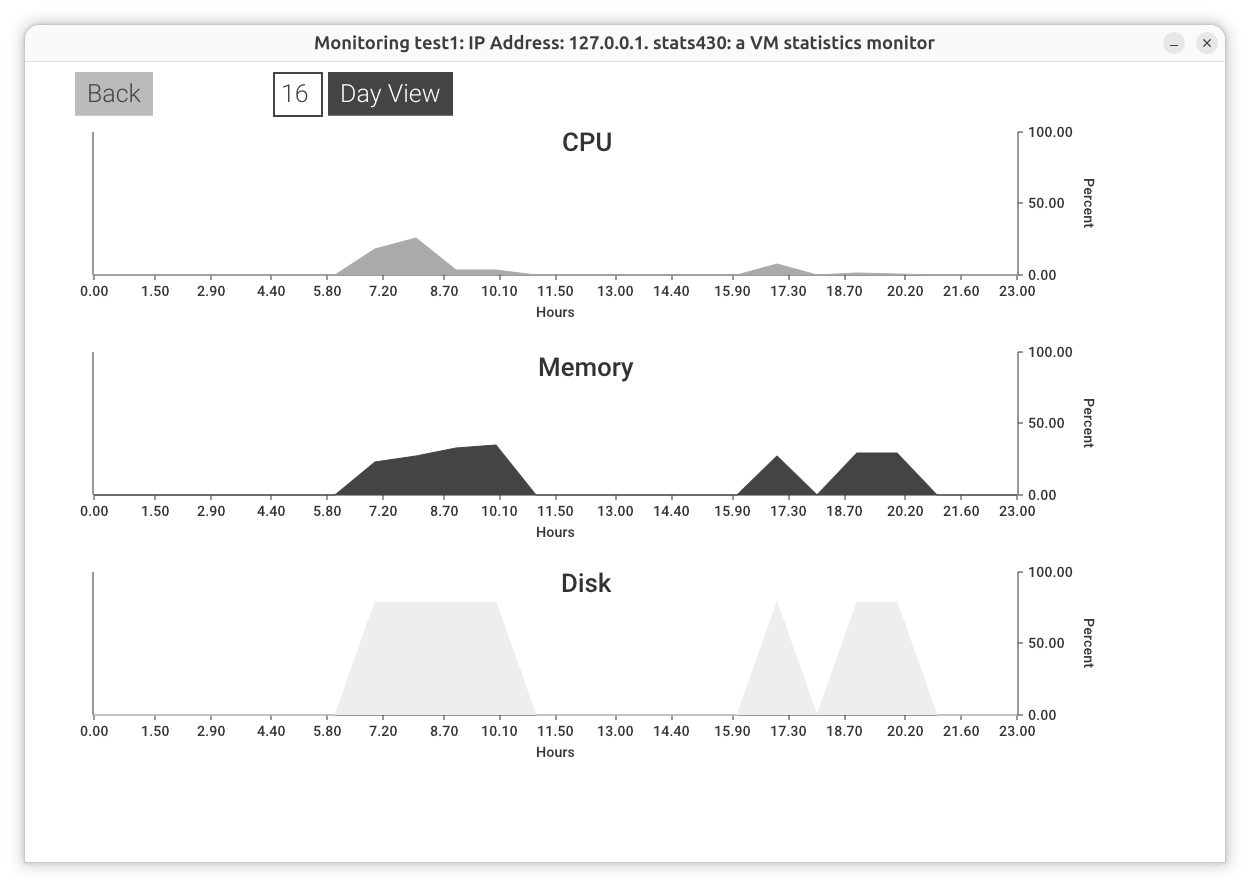
stats430 is a tool for monitoring the essential statistics of a VM.
This is necessary to ascertain if you need a smaller VM or a larger VM.
sudo snap install flaarumsudo snap install stats430sudo snap connect stats430:hardware-observe
sudo snap connect stats430:system-observe
sudo snap connect stats430:mount-observe
stats430.s430c asssudo snap restart stats430.s430sstats430.s430c pk